
IronWall · A security add-on for the Memberium family

Three defenses,
one plugin

IronWall adds heightened security to the Memberium family of membership systems. TOTP two-factor with a code length you set, phishing-resistant passkeys, and end-to-end encrypted messaging. These layers protect logins and private conversations, and they run on your own server.

TOTP 2FA Passkeys Encrypted messaging Self-hosted
6–8
Maximum Strength 2FA
RSA-4096
Asymmetric keys per message
0
Plaintext secrets at rest
8
Bcrypt-hashed recovery codes

Figures from the IronWall product spec. TOTP code length is configurable from 6 to 8 digits; GhostDrop seals each message to an RSA-4096 public key.

TOTP two-factor authentication

Codes you control, at the length you choose

IronWall generates standards-based TOTP codes from any RFC 6238 authenticator app, including Google Authenticator, Authy, 1Password, or the app built into your phone. Code length is configurable from six to eight digits, so you can trade a little convenience for a much wider brute-force margin. Five failed challenges stop the flow cold, and every member gets eight one-time recovery codes, stored hashed, so a lost phone does not mean a lost account.

  • Code length configurable from 6 to 8 digits
  • Standards-based (RFC 6238) · works with any authenticator app
  • Five failed challenges · lockout
  • Eight one-time recovery codes · bcrypt-hashed

Passkeys (WebAuthn)

Log in without a password to steal

Passkeys replace passwords with credentials bound to your site and to your members’ devices, unlocked with Touch ID, Face ID, Windows Hello, a security key, or a phone prompt. Because a passkey only works on the site it was created for, a fake login page cannot capture it. Members register, rename, and remove their own passkeys from their profile, and passkey login works from the standard WordPress screen or any frontend login form.

  • Phishing-resistant by design
  • Bound to your site · a fake page cannot capture it
  • Works on the standard screen and frontend forms
  • Registered and managed by the member

GhostDrop · zero-knowledge messaging

Messages only the recipient can read

GhostDrop lets members send each other messages your server can never read. Each message is encrypted to the recipient’s RSA-4096 public key before it leaves the sender’s device, so your server holds only the encrypted result. The recipient’s private key never leaves their device, so even a full database dump yields nothing readable. And because the plugin is self-hosted, the encryption and the keys live on infrastructure you control.

  • RSA-4096 · sealed to the recipient’s public key
  • Server stores only encrypted messages
  • Private keys stay on the member’s device
  • Self-hosted end to end

The difference

Stock WordPress security vs. IronWall

WordPress core keeps the door locked, but it ships no two-factor, no passkeys, and no encrypted messaging. This is what adding IronWall changes.

Capability comparison: stock WordPress vs. IronWall
Capability Stock WordPress IronWall The IronWall difference
Two-factor authentication None built in TOTP · 6–8 digit codes, you choose
Passkeys (WebAuthn) None built in Phishing-resistant login
Encrypted member messaging None built in GhostDrop · RSA-4096, sealed end to end
Recovery when a device is lost Password reset 8 one-time codes, bcrypt-hashed
Where the secrets live Your server Your browser · secrets never leave it

Encryption strength

How far each key size reaches

Key size is a bet against time, and NIST publishes the odds. The guidance has a definite shape: the size that is respectable today, the size that stops being respectable at the end of the decade, and the size that stays respectable long after.

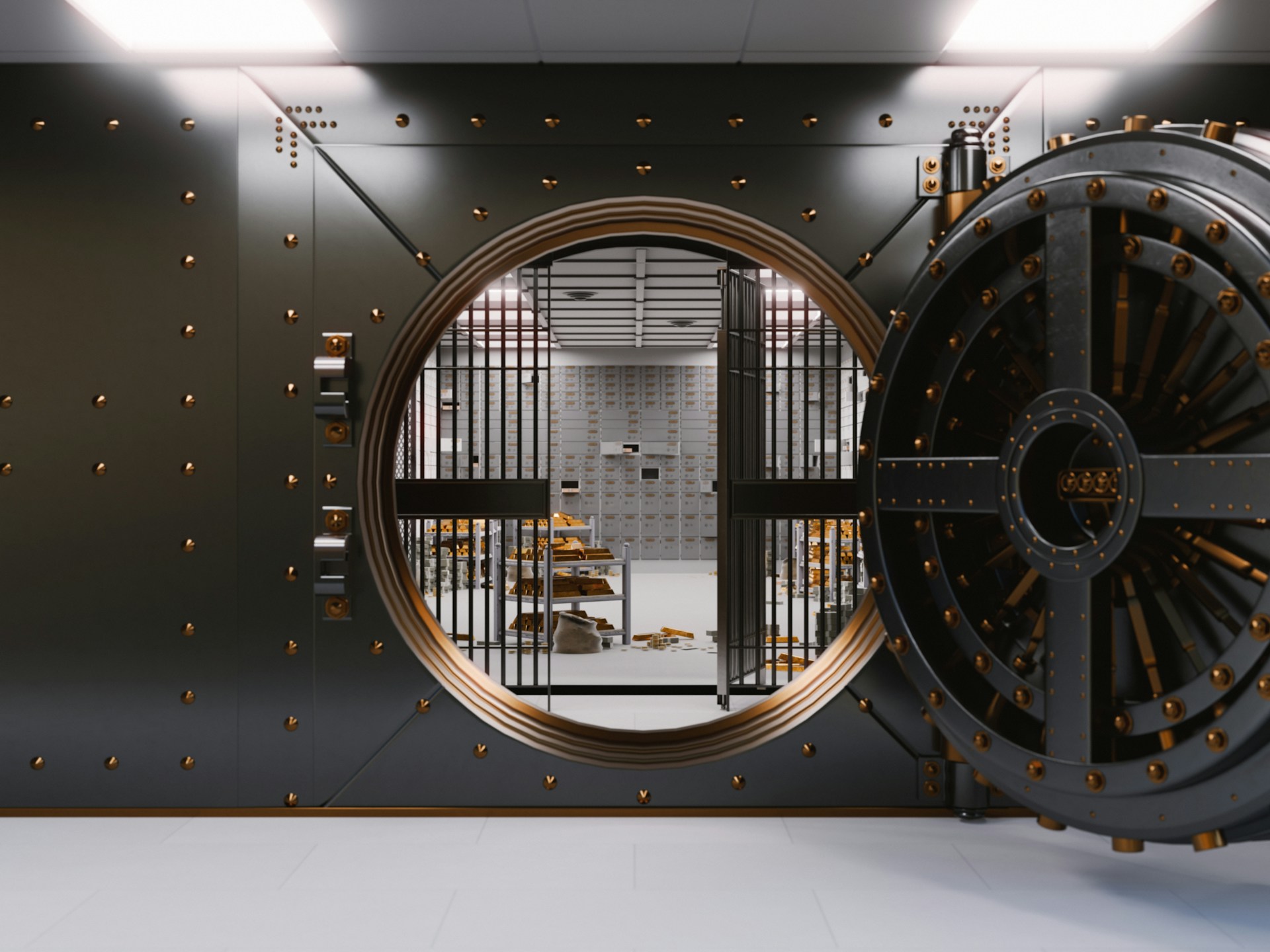
A bank vault door with a heavy combination dial, standing for the strength of IronWall's RSA-4096 encryption

Encryption strength

Your messages behind a vault door

NIST key-size horizons: RSA-2048 acceptable through 2030, RSA-3072 the floor after 2030, RSA-4096 with headroom well past 2030
Key size Strength NIST horizon
RSA-2048 112-bit Acceptable through 2030
RSA-3072 128-bit The floor after 2030
RSA-4096IronWall’s choice ~140-bit Headroom well past 2030

Per NIST SP 800-57 and FIPS 186-5. GhostDrop seals every message with RSA-4096.

Why three defenses

Each one covers what the others cannot

Run together, the three layers stop attacks that any single one would let through.

TOTP stops the shared password

A stolen or shared password no longer opens the door on its own. The second factor stands in the way, and at 8 digits the brute-force margin is a hundred times wider than at 6.

Passkeys stop phishing outright

A credential that only works on your site cannot be replayed on a fake page. The best phishing email in the world cannot harvest what will not work anywhere else.

GhostDrop keeps conversations private

Encryption at the key level means server-side access and database leaks cannot expose message contents, because the server never holds a key that could decrypt them.

Mini-essay · Two-factor auth

Why a password alone was never enough

A password is a secret you carry in your head, which is exactly why it keeps failing. It can be given away by the person who holds it, typed into a phishing page that looks right, shared with a colleague, or reused across a dozen sites until one of them leaks. The breach is rarely dramatic; usually a password was stolen once and quietly worked forever after.

Two-factor authentication changes the shape of the attack. The password still proves you know something, but the door also demands something you have: a code from an app like Google Authenticator, one that rotates every thirty seconds and dies as soon as it is used. A stolen password is no longer enough on its own, which is why 2FA is the most effective control most sites never turn on.

IronWall takes the standard and makes it tunable. 2FA codes run from six to eight digits, configurable per site: six for the familiar default, eight for a brute-force margin one hundred times wider. Every member gets eight one-time recovery codes, stored bcrypt-hashed, so a lost phone costs a minute and a fresh enrollment, not a support ticket.

A stolen password is only dangerous while it is still enough to open the door. The second factor is what makes it not enough anymore.

IronWall & your site: On a Memberium site, TOTP drops straight into the existing login flow: the same member, the same session, one more step between an attacker and the door.

Mini-essay · Passkeys

The login that cannot be phished

Phishing works because passwords are portable. You type your password into a page that looks like the one you meant to visit, and the attacker now owns a credential that works on the real site, forever. Unlike other theft, which requires breaking into something, phishing simply asks for the credential.

A passkey is the opposite kind of credential. It is cryptographically bound to the site it was created for. It lives on the member’s device, unlocked by Touch ID, Face ID, Windows Hello, or a security key. A passkey created on your site will not authenticate anywhere else. The fake page can ask all it wants; the credential refuses to cooperate, so the attack stops being possible rather than getting harder.

The experience is the part that surprises people. Logging in is one tap on a device they already carry, with no password to remember and no reset flow to trigger. Registration, renaming, and removal are managed by the member from their profile, and passkey login works from the standard WordPress screen and any frontend form alike.

A password can be given away. A passkey can only be lent by the device that holds it, and the device only answers to its owner.

IronWall & your site: IronWall brings the same passkey flow to Memberium sites, so your members trade a remembered secret for a possession they already have.

What’s inside

A focused security plugin, not a kitchen sink

IronWall ships one job well: defending access and private communication across the Memberium family of membership systems.

Access security

  • TOTP 2FA with configurable 6–8 digit codes
  • Passkeys (WebAuthn): phishing-resistant login
  • Five-attempt challenge lockout
  • Eight one-time recovery codes, bcrypt-hashed
  • Credentials registered and managed by the member

Encrypted messaging

  • GhostDrop: end-to-end encrypted messages
  • RSA-4096 key pairs per recipient
  • Server stores only encrypted messages
  • Private keys stay on the member’s device

Hardening by default

  • Encrypts secrets at rest with a modern authenticated cipher
  • HKDF-SHA256 per-context subkeys
  • Standards-based: RFC 6238 TOTP, WebAuthn
  • No proprietary formats to lock you in

Self-hosted operations

  • Add-on for the Memberium family of membership systems
  • Runs on your own WordPress server
  • No third-party service required
  • Installs on top of your existing Memberium setup

Setup

From add-on to enabled in three steps

IronWall installs like any WordPress plugin. Most sites are fully locked down inside an hour.

  1. Install the plugin

    Upload IronWall, activate it, and set your global defaults for 2FA, passkeys, and messaging.

  2. Dial in your security level

    Choose optional 2FA, required for admins only, or required for everyone, per membership level.

  3. Hand members the keys

    Publish the enrollment page. Members link an authenticator or create a passkey and walk away.

For developers

Standards under the hood, control on top

IronWall is ported from the Torii membership engine that powers Memberium, so the crypto is battle-tested in production before you see it. It is made for the Memberium product: a bolt-on that hardens membership sites without touching how they run. No proprietary formats, no opaque magic; the pieces are named, standard algorithms with keys and configuration you own.

  • RFC 6238 TOTP and WebAuthn, with no proprietary formats
  • XChaCha20-Poly1305-IETF with HKDF-SHA256 subkeys at rest
  • Site-wide shared encryption key, with per-context subkeys
  • Ported from the Torii engine, made for Memberium

Account activity

Every member gets a security ledger

Each member’s profile logs the events that matter (new devices, new credentials, changed numbers) with time, location, and device, so a member can see the story of their own account.

Sample rows from a member’s IronWall activity ledger.
When Event Location Device
Passkey created Apple iPhone · Safari Austin, TX iPhone 16
2FA enabled Authenticator linked · TOTP 8-digit Austin, TX iPhone 16
Suspicious login blocked Denied at the second factor Warsaw, PL Unknown
Recovery code used One-time code #4 redeemed Austin, TX MacBook Pro

Ledger entries are retained for 18 months. Members see only their own activity.

The password was the weakest link on the web for two decades. IronWall replaces it with something that cannot be phished, and it seals your members’ conversations behind keys your server never sees.

David Bullock Founder · Web Power & Light

FAQ

Straight answers, before you ask

Does IronWall require any new subscriptions or monthly fees?

No. IronWall is a one-time purchase and runs entirely on your own server. There is no third-party service and no per-member fee, now or later.

Will passkeys work for members on older browsers?

Passkeys are a widely supported modern standard: Safari shipped them in September 2022, Chrome and Edge followed in December 2022, and Firefox caught up in January 2024.

On a browser older than that, the passkey button will not appear, and IronWall falls back to TOTP on that device. A member who cannot use a passkey still gets full two-factor protection.

What happens if a member loses their device?

They use one of their eight one-time recovery codes to get back in, then enroll a fresh authenticator from their profile. Codes are stored bcrypt-hashed, so the file on your server is not a usable list.

Can GhostDrop decrypt my members’ messages?

No. Every message is encrypted to the recipient’s RSA-4096 public key before it leaves the sender’s device. Your server stores only the unreadable encrypted result. The private key that could unlock it never leaves the member’s control. Even with full access to your database, the messages are unreadable.

Can IronWall run alongside my existing Memberium setup?

Yes. IronWall installs on top of Memberium and enhances the existing login and profile flows. Your membership levels, payments, and content rules all keep working as they do today.

Harden your site

Your WordPress, your keys, your data

IronWall is a security add-on for the Memberium family of membership systems. Talk to us about licensing and what heightened security can do for your membership business.